

TL;DR
- Phishing was the top threat Expel’s SOC investigated in July 2021, making up 72% of incidents.
- Nearly 65% of incidents that month were business email compromise (BEC) attempts in Microsoft 365 (M365).
- Expel analyzed the last 10,000 malicious emails our team investigated to identify the keywords attackers use most often in phishing subject lines.
- Preventing BEC and credential harvesting through phishing should be a priority for any resilience program.
What are the top phishing keywords in malicious email subject lines?
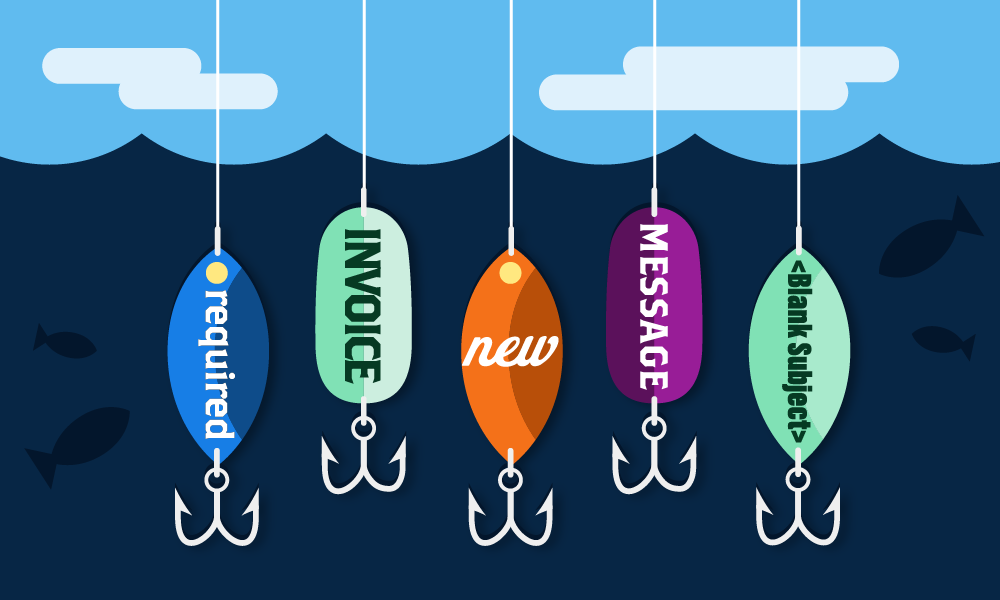
The most common keywords in malicious email subject lines are generic business terms and urgency triggers—words like invoice, new, message, required, file, request, action, document, verification, eFax, and VM, plus blank subject lines. Expel identified these patterns by analyzing the last 10,000 malicious emails our security operations center (SOC) investigated, looking specifically at subject-line language.
This followed our report on the top attack vectors bad actors used in July 2021, which found phishing made up 72% of investigated incidents, and BEC attempts in M365 made up nearly 65 percent of those.
Why do attackers choose these specific keywords?
We decided to take a look at how bad actors are enticing their victims to open and engage with phishing campaigns. We analyzed the last 10 thousand malicious emails that our team investigated to determine the top keywords bad actors are using in their email subject lines.
As you’ll see below, these keywords aim to make recipients interact with the content of the email by targeting one or more of these themes:
- Imitating legitimate business activities
- Creating a sense of urgency
- Prompting the recipient to act
Knowing how attackers target victims with these themes can help inform your phishing strategy and education program.
What are the top keywords used in effective phishing emails?
Why is “Invoice” a common phishing keyword?
Real subject lines:
- RE: INVOICE
- Missing Inv ####; From [Legitimate Business Name]
- INV####
Context: Generic business terminology doesn’t immediately stand out as suspicious and maximizes relevance to the most potential recipients by blending in with legitimate emails, which presents challenges for security technology. Most people are also inclined to respond promptly to communications from co-workers, vendors, or clients if they believe action is required, like returning an invoice.
Why do attackers use “New” in phishing subject lines?
Real subject lines:
- New Message from ####
- New Scanned Fax Doc-Delivery for ####
- New FaxTransmission from ####
Context: “New” is commonly used in legitimate communications and notifications, and aims to raise the recipient’s interest. People are drawn to new things in their inbox, wanting to make sure they don’t miss something important.
Why is “Message” an effective phishing keyword?
Real subject lines:
- Message From ####
- You have a New Message
- Telephone Message for ####
Context: Most people using a work account want to make sure they’re promptly responding to communications from co-workers, vendors or clients—and are inclined to read or listen to new messages quickly.
Why do phishing emails use “Required” in the subject line?
Real subject lines:
- Verification Required!
- Action Required: Expiration Notice on [business email address]
- [Action Required] Password Expire
- Attention Required. Support ID: ####
Context: Keywords that promote action or a sense of urgency are favorites among attackers because they prompt people to click without taking as much time to think. “Required” also targets employees’ sense of responsibility to urge them to quickly take action.
Why do some phishing emails have a blank subject line?
Context: Blank subject lines generally evade automated security measures—security tech can’t scan for phishing or spam keywords if there aren’t any.
Why is “File” used in phishing subject lines?
Real subject lines:
- You have a Google Drive File Shared
- [Name] sent you some files
- File- ####
- [Business Name] Sales Project Files and Request for Quote
Context: “File” is another generic business term used in work emails and notifications. Using this term helps these phishing emails blend in with legitimate emails—creating another challenge for security technology. Again, people are inclined to respond in a timely manner to communications from co-workers, vendors or clients.
Why do attackers use “Request” as a phishing keyword?
Real subject lines:
- [Business Name] SALES PROJECT FILES AND REQUEST FOR QUOTE
- [Business Name] – W-9 Form Request
- Your Service Request ####
- Request Notification: ####
Context: Requests are sufficiently general for mass phishing campaigns, while insinuating the recipient needs to take action. Some examples include prompting the user to access a link, download a file or provide sensitive personal information.
Why is “Action” effective in phishing subject lines?
Real subject lines:
- Action Required: Expiration Notice on [business email address]
- Action Required: [Date]
- Action Required: Review Message sent on [Date]
- [Action Required] Password Expire
Context: Promoting action and a sense of urgency increases the chances that a recipient will act immediately after reading the message without taking much time to think, rather than leaving the email for later and potentially forgetting to respond.
Why do attackers use “Document” in phishing emails?
Real subject lines:
- File Document ####
- [Name], You have received a new document in [Company system]
- Attn: [Name] – You have an important [Business name] designated Document
- Document For [business email address]
- View Attached Documents
- [Name] shared a document with you
Context: Like “file,” “document” is regularly used in subject lines and notifications, again helping the attacker target the most recipients and blend in with legitimate emails, challenging security technology. Once again, sharing a file prompts employees to respond in a timely manner to avoid missing work-related information.
Why does “Verification” appear in phishing subject lines?
Real subject lines:
- Verification Required!
Context: “Verification” insinuates the recipient needs to take action, likely in a timely manner. Again, the user may be prompted to access a link, download a file or provide sensitive personal information.
Why do attackers spoof eFax notifications?
Real subject lines:
- eFax from ID: ####
- eFax® message from “[phone number]” – 2 page(s), Caller-ID: +[phone number]
Context: eFaxes are still used broadly as part of normal business operations for many orgs, so users may be tempted to click the link or download the file.
Why do attackers spoof voicemail (VM) notifications?
Real subject lines:
- VM from [phone number] to Ext. ### on Tuesday, May 4, 2021
- VM From ****#### Received – for <[user name]> July 26, 2021
- ‘”””1 VMAIL RECEIVED on Monday, June 21, 2021 3:02:55 PM””
Context: Most people using a work account want to make sure they’re promptly responding to communications from co-workers, vendors or clients, and are inclined to read or listen to new messages quickly.
How do you stop phishing and BEC attacks?
Successful credential harvesting through phishing can lead to an array of problems for a business. Luckily, there are a lot of things you can do to try to stop bad actors in their tracks.
Number one—enable multi-factor authentication (MFA) for everything you can. Specifically with phish-resistant MFA (FIDO/WebAuth). Even if a bad actor manages to harvest credentials through phishing, MFA can keep them from accessing your systems and data—and give you a heads up that someone’s trying to break in.
Another important thing orgs can do to prevent successful phishing campaigns is to develop comprehensive phishing education programs. Orgs should stay up-to-date on the latest phishing trends to update their policies and educate employees when new tactics are at play. Beyond training sessions, regularly test employees with mock phishing emails (and provide feedback on what in the email was suspicious) so they continue to learn, hone their detection skills and know how to report suspicious emails in their inbox.
Encourage employees to take a closer look at emails using the above keywords to make sure they recognize the sender, that the sender’s email looks legitimate (for example, does that voicemail notification match the official voicemail email for your org?) and that they are expecting the content of the email. If not, it’s always better to double check with the supposed sender through another form of communication (we love Slack!) before clicking on any unexpected files.
When it comes to phishing, complacency is a risk. And we’ve seen that employees from orgs with strong phishing education programs are better at identifying actual malicious emails.
Beyond MFA and education, there are additional things you can do to make your email system more secure in case an attacker manages to harvest credentials from an employee. Here are some of our top resilience recommendations:
- Disable legacy protocols like IMAP and POP3.
- Implement extra layers of conditional access for your riskier user base and high-risk applications.
- For Microsoft 365 users, consider Azure AD Identity Protection or Microsoft Cloud App Security (MCAS).
Want to find out how we stop BEC here at Expel? Read on to learn more about Expel Workbench™ and our phishing service.
Frequently asked questions
What percentage of Expel’s investigated incidents were phishing?
In the July 2021 analysis this data comes from, phishing made up 72% of the incidents Expel’s SOC investigated, and nearly 65% of all incidents were business email compromise (BEC) attempts specifically in Microsoft 365.
What is business email compromise (BEC)?
BEC is a phishing tactic where an attacker impersonates a trusted business contact—a vendor, executive, or coworker—to trick a recipient into acting, like sending a payment, sharing credentials, or opening a malicious file.
How does MFA help stop phishing attacks?
Multi-factor authentication doesn’t stop someone from being phished, but it stops harvested credentials from being usable. Even if an attacker steals a password through a phishing email, phish-resistant MFA (like FIDO/WebAuthn) blocks them from logging in with it—and can alert you that someone’s trying to break in.
Which phishing keyword appears most often in malicious email subject lines?
Based on Expel’s analysis, generic business terms like “invoice,” “message,” and “file” appeared most frequently, alongside urgency-driven terms like “required” and “action”—both categories designed to get a fast, unthinking response.
What should I do if I get a suspicious email using one of these keywords?
Don’t click any links or download attachments. Verify the sender through a separate communication channel—like Slack or a phone call—before taking any action, and report the email through your organization’s official reporting process.