

TL;DR
- This is a monthly recap of all the things our product team has delivered in the last 30 days
- Questions? Reach out to your Expel contact, or if you don’t have one, you can connect with us here
- This month we’re featuring four new features and one new integration
Live this month
Detection gap analysis and rule creation agent
What it is: Expel’s new AI-powered detection agent automatically identifies coverage gaps in third-party vendor telemetry and proposes new detection rules to close them. When Expel observes a novel vendor alert for the first time, the agent kicks off an autonomous pipeline that analyzes the signal, determines whether a gap exists in our current detection logic, and drafts syntactically correct detection code for our expert SOC to review and validate before going live.
Why it matters: Keeping pace with the constantly shifting landscape of vendor alerts has historically required significant manual effort from our detection engineering team. The detection agent moves us from a weekly manual review process to near real-time adaptation, with a goal of deploying layered coverage for novel vendor behaviors in seven days or less. Every AI-generated rule still gets a human sign-off before going live, so you’re getting machine-speed adaptation without sacrificing the high-fidelity Expel detections you rely on.
Ruxie power-up: Related alert summaries
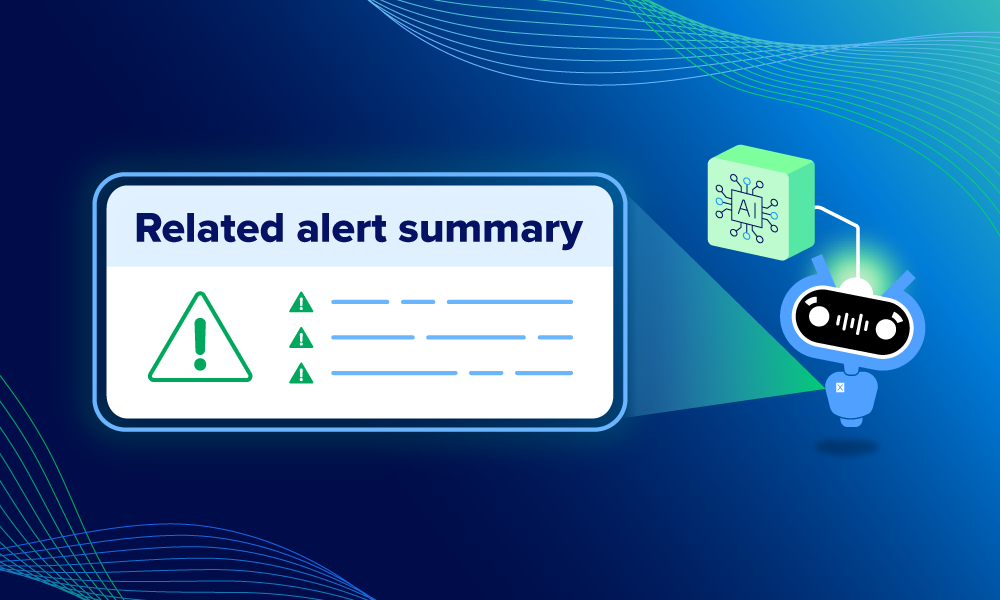
What it is: When a lead alert fires in Expel Workbench™, our analysts need to quickly understand the full story, not just the headline. Our new related alert summaries power-up uses LLMs within Workbench to automatically pull together all relevant source alerts and provides other related alert data aligned to the timeline of the attack.
Why it matters: Before this, piecing together the attack narrative meant manually pivoting through raw logs and jumping between disparate tools. Related alert summaries hands our analysts the full picture the moment they open the investigation, cutting mean time to decision (MTTD) and giving you complete transparency into what our SOC is seeing and why.
Ruxie power-up: Lead alert summaries
What it is: We’ve also shipped another Ruxie power-up: lead alert summaries. This feature generates a plain-English summary of a lead alert on demand, covering the context and impact, key observables, and recommended next steps, so analysts (and you) don’t have to manually parse JSON or dig through raw log files to understand what fired and why.
Why it matters: The lead alert is the tip of the spear for every Expel MDR investigation. Understanding it instantly is critical for fast outcomes. Lead alert summaries gives both our SOC and your team immediate, readable insight into what’s happening—no log translation required. In fact, when a lead alert fires on a novel attack, it fires an average of 3.4 other Expel alerts alongside it. Getting oriented fast matters.
Not malicious verify button
What it is: We’ve added a new “not malicious” verify button in Workbench, giving customers a faster, cleaner way to confirm that an alert has been reviewed and determined to be benign.
We’ve updated the verify action workflow to include more specific options. This new option is “not malicious: close,” to account for unauthorized policy violations that aren’t security threats.
Why it matters: This update gives you more options than “incident or nothing.” Customers can now flag policy violations without triggering an incident for Expel’s SOC, so they can maintain visibility into minor policy breaches without the overhead of full incident remediation.
New integrations
Expel MDR for email now supports Mimecast
Expel MDR now supports Mimecast, adding a fourth email security integration to our lineup alongside Proofpoint, Abnormal AI, and Sublime Security. Mimecast alerts are ingested into Workbench via API and correlated with activity across your entire environment—endpoint, identity, cloud, and more—so our analysts can connect the dots when an email threat links to suspicious behavior elsewhere in your stack.
If you’re an existing Expel customer running Mimecast, reach out to your customer success team to get MDR for Email set up.
These integrations matter because it’s your job to invest in the right tech for your environment, and it’s our job to make that tech work better for you. We’re always adding new integrations to our portfolio to meet you where you are.